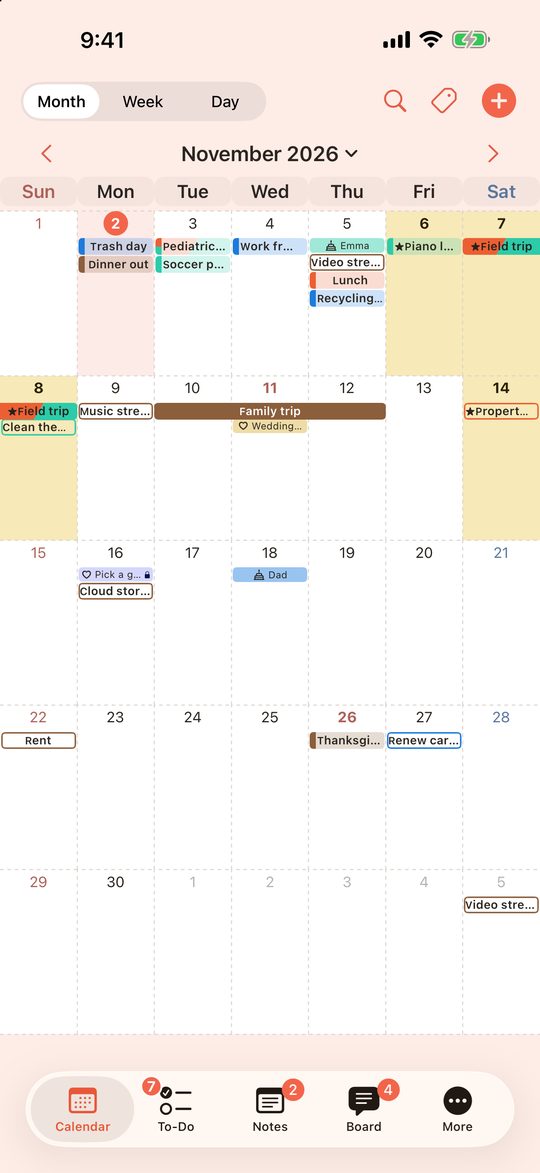
Calendar
Month, week and day views. Switch between All, Mine and each group with the badge at the top left. Weekends, holidays and important days stand out.
YS Studio › FamShare
Invite friends or family and get No Ads and Web Version free for 30 days (until Dec 31, 2026) →
FamShare: Family, Co-Parenting & Clubs
Partners, family, two homes, work, clubs. Keep every group's events, to-dos, grocery lists and notes in one simple app, and see them all together or one group at a time. Private plans stay private.
Download on the App StoreGet it on Google Play
Free, with small banner ads · iPhone, iPad and Android · Web Version on your computer. Google Play is not yet available in the United States.
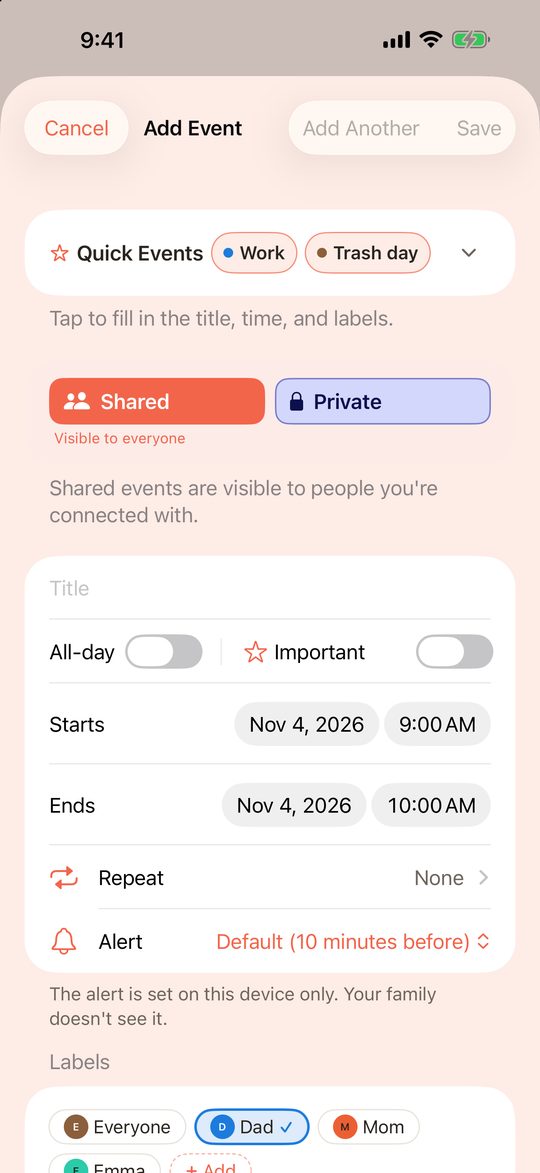
Everyone's plans sit on one calendar, in their own color. No more digging through messages.
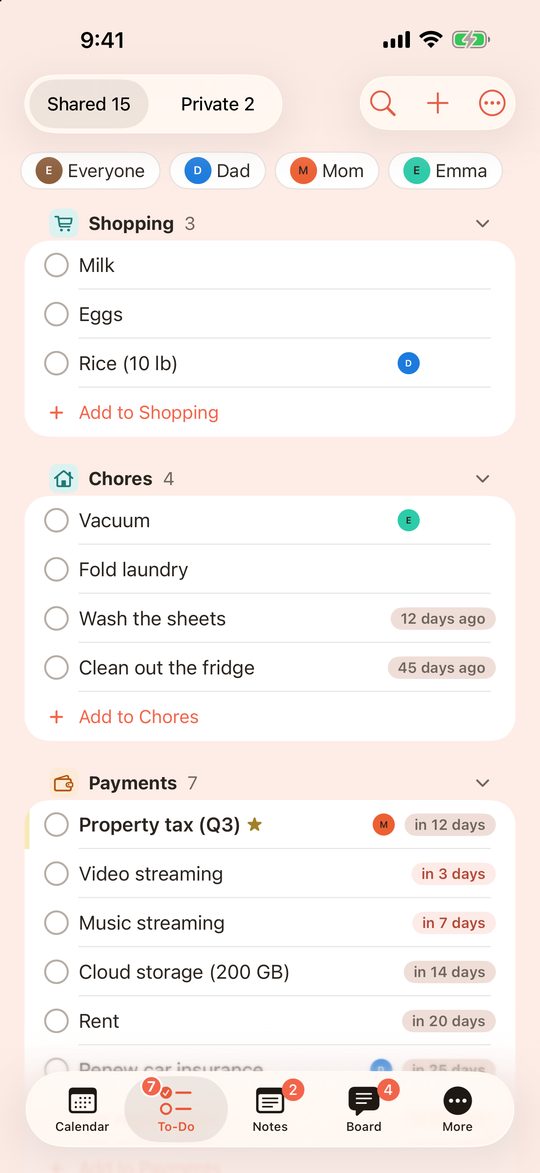
Everyone sees the same list. Check something off and it updates for the rest of the family.
Give each group its own space in one app, and see all your plans together on one calendar.
Organize events, to-dos and notes with labels (such as "Work" or "Kids"). For each label, choose which groups see it and whether they can edit. Then share an event just by picking a label. No need to enter the same event twice.
Pick the group, or a label you show in it. Pickups, practice times, the grocery list.
Pick 🔒 Private, or a label you don't show in any group. Only you see it.
Month, week and day views. Switch between All, Mine and each group with the badge at the top left. Weekends, holidays and important days stand out.
Lists by category, with due dates, repeats and amounts, plus a count of days since you last did it. In All, each group gets its own frame.
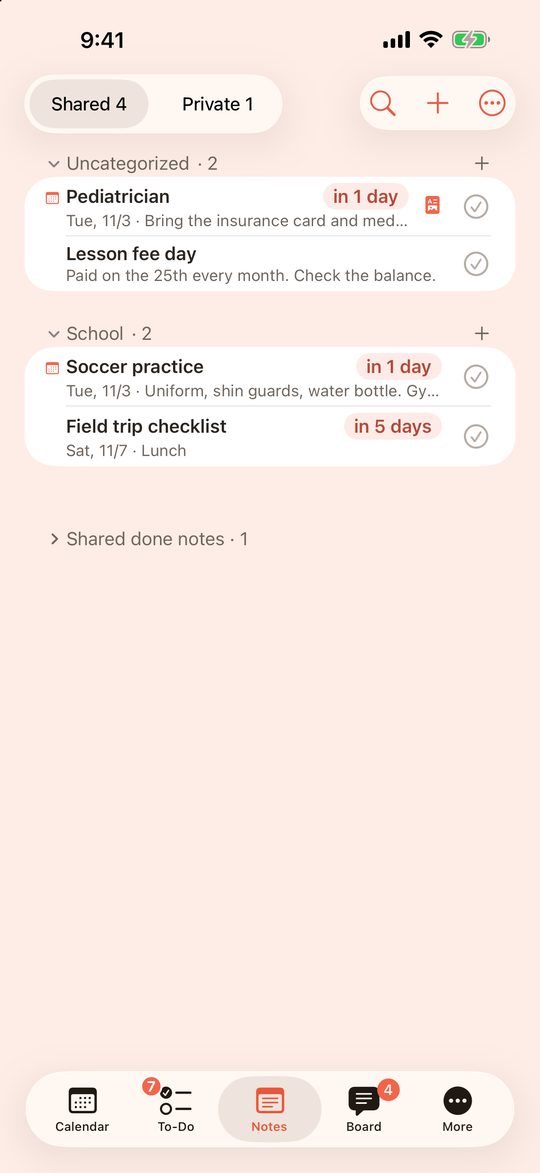
Attach photos (like school flyers), PDFs and links. Notes are shown as a card for each tab.
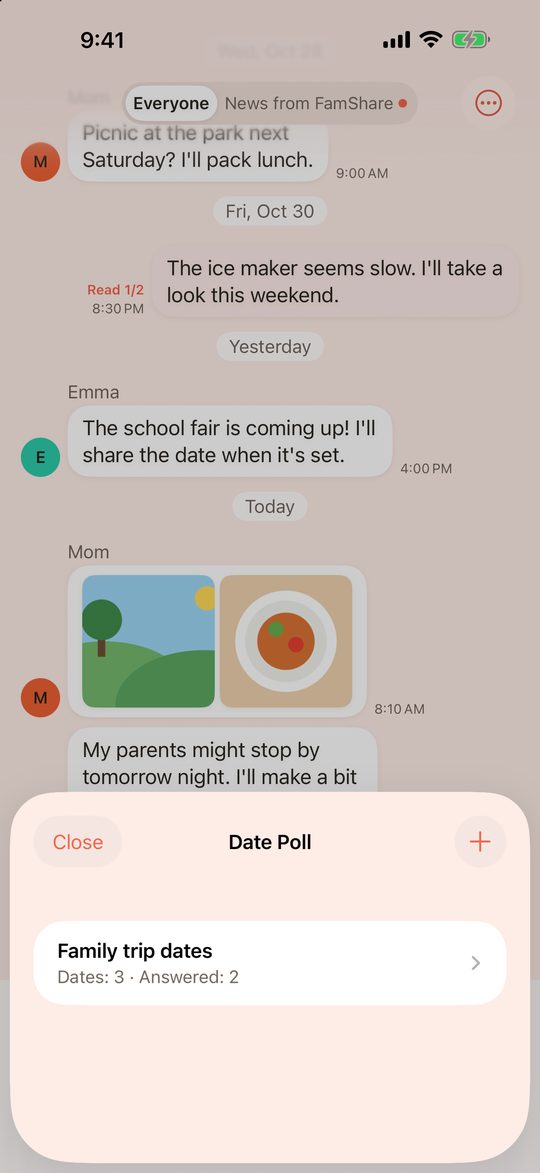
A chat for each group, with stickers, photos (not in every region) and date polls.
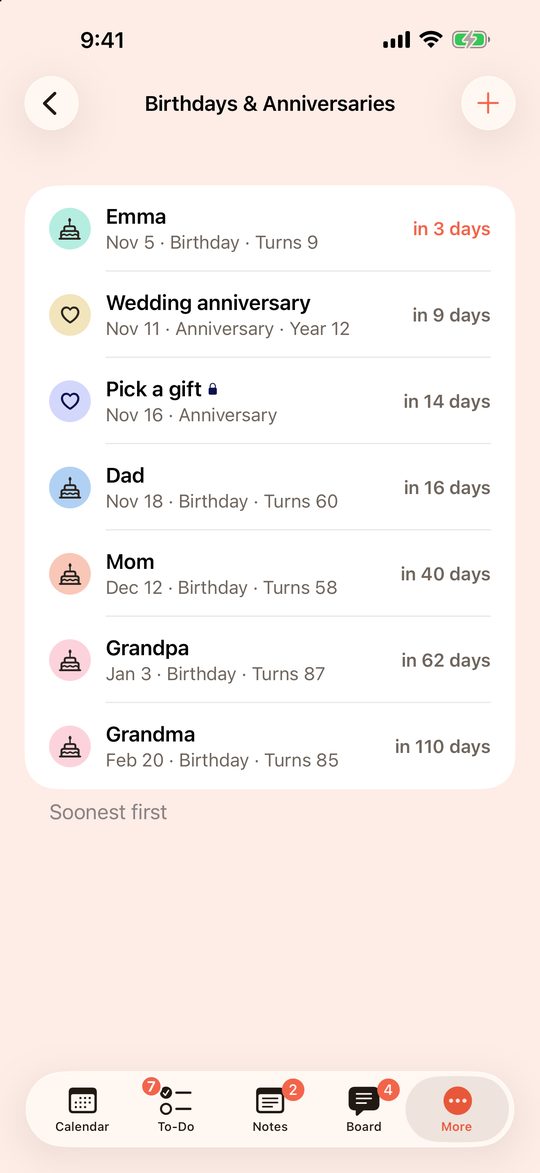
Add them as a type of event. They come back every year, with a countdown and ages.
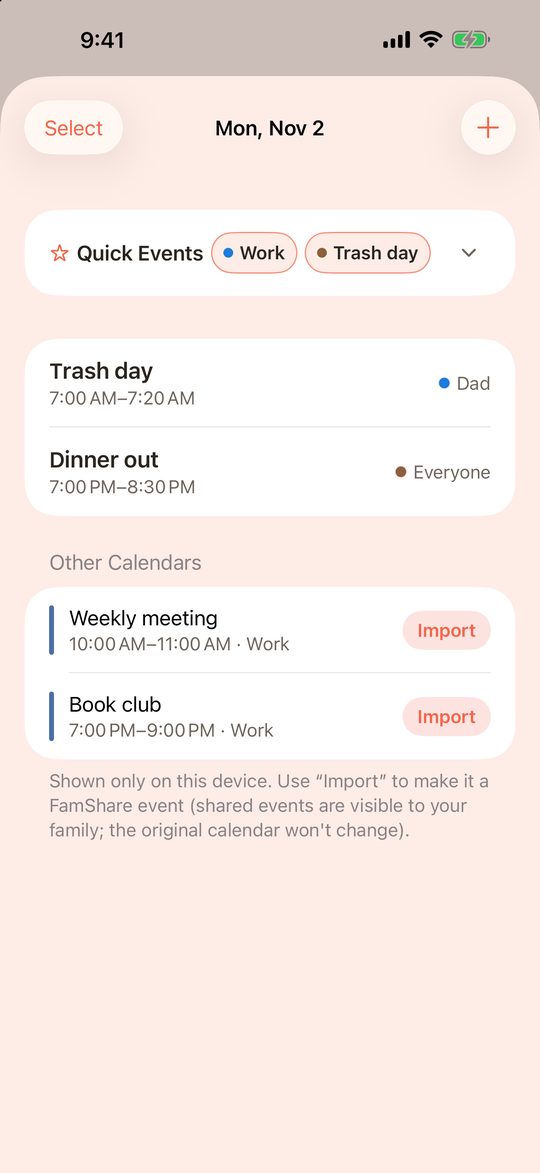
Show the calendars on your phone, including school or team calendars. FamShare only reads them and never changes the originals.
Screens show sample data.
Each group has its own icon and color, shared by everyone in the group.
Learn moreIn All, to-dos and notes sit in a frame for each group. Items in more than one group are marked "Also in …".
Learn moreGive a group's label your own name and color, shown only on your screen.
Learn moreInvite friends and family and get No Ads and the Web Version free for 30 days (codes can be entered until Dec 31, 2026).
Learn moreYes. It is free, with small banner ads, and a group can have up to 50 members.
Yes. FamShare works on iPhone, iPad and Android with the same account.
No. Each group sees only what is shared with it. Private items, and labels you don't show in any group, are visible only to you.
Yes. Make a separate group for each, such as one with your co-parent and one for the club. For each of your labels, you choose which groups see it and whether they can edit.
No. Tap "Use Without Signing In" to try it. Sign up later and your data comes with you. You need an account to share with others.
Yes. The Web Version runs in your browser and uses the same account as the app.
FamShare is made by one independent developer. If it helps your family, you can buy me a coffee. This is optional and doesn't change anything in the app.
You can invite your family later.